 Tideline
Move out
Finding things across Downloads and taking them somewhere else entirely.
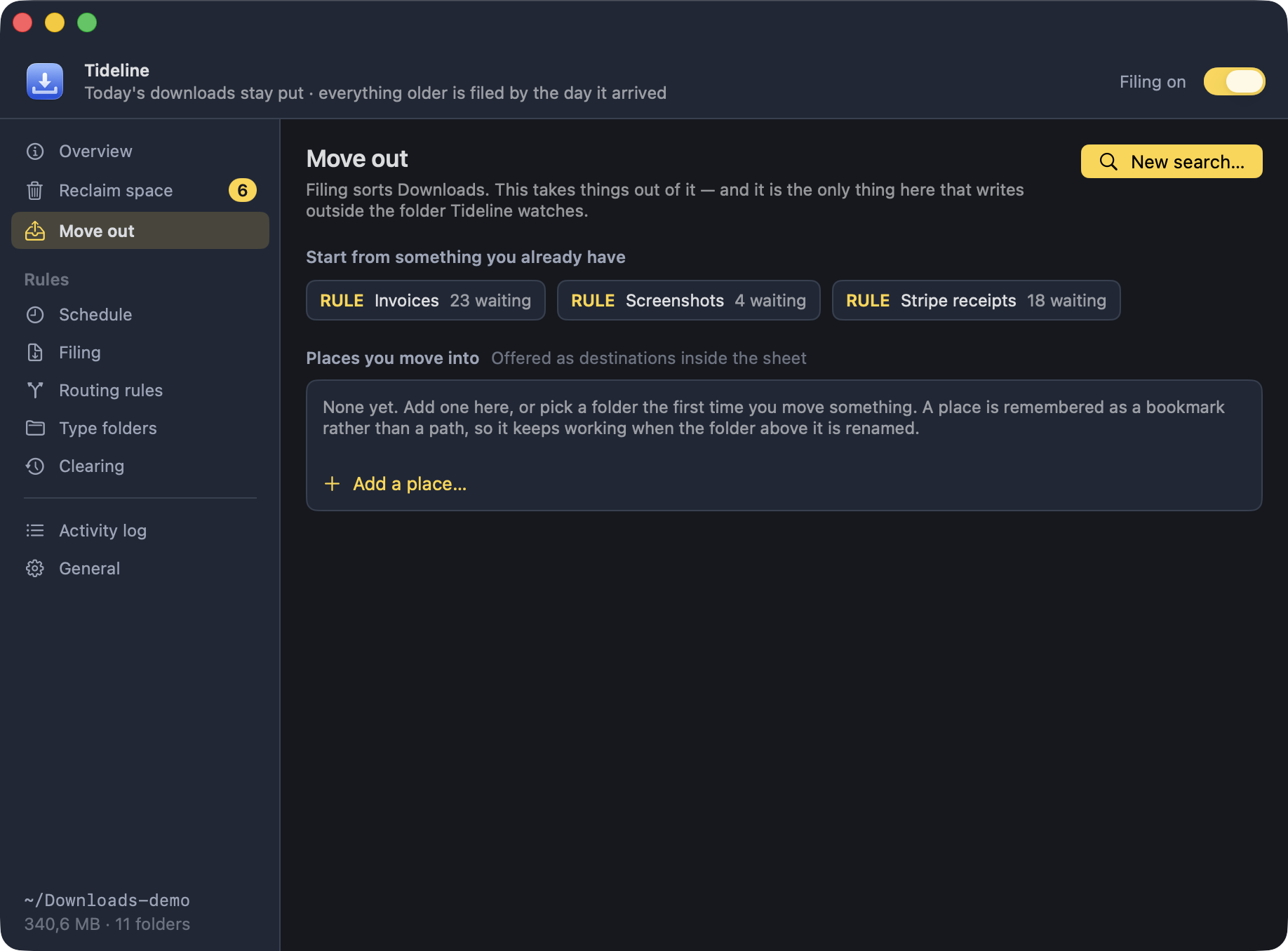
Filing sorts the Downloads folder. This takes things out of it — the quarter's invoices into the accounts, a shoot onto an external drive — and it is the only thing Tideline does that writes outside the folder it watches.
It never runs on its own. Not on the timer, not when the folder changes, not after a sweep. You say what to look for, the app says what it found and which condition found it, and only what you tick actually moves.
Saying what to look for
Three ways in, all of them the same underneath:
- A rule I wrote — anything a routing rule claims.
- A type folder — anything a type folder claims.
- Search by hand — conditions typed on the spot, matched as you type.
A search that turns out to be right can be kept with Save as a rule…, which is the easiest way to write one: see what it catches first, then keep it.
It reaches back
2026-07-02/. Folders you made yourself are never opened.
Looking before you move
Results are grouped by the condition that found them, so a pattern that is too loose shows up as one long group of things that do not belong together. Each row has Quick Look and Reveal, because whether a PDF really is an invoice is a question about what is inside it.
A hunt started from a rule also offers whatever is sitting in that rule's folder, matched or not — a file dragged there by hand is still that rule's doing. Those are listed apart, under Worth a look before you move it, and are never ticked for you.
Places
A place is a folder you collect into, remembered as a bookmark rather than a path, so it keeps working when the folder above it is renamed and says not mounted rather than failing when a drive is unplugged.
A place can carry a template, and the tokens fill in from each file's own date:
~/Dropbox/Boekhouding/{yyyy}/kwartaal {q}/in| Token | Becomes |
|---|---|
{yyyy} {yy} | The year |
{mm} | The month, 01–12 |
{dd} | The day, 01–31 |
{q} | The quarter, 1–4 |
Because the tokens read each file's own date, a batch that straddles the end of a quarter lands in two folders — which is the answer the accounting wanted, and the one a single fixed folder could not give.
The first time Tideline writes into a protected folder such as
~/Documents, macOS asks permission. That is asked for when you
pick the place, with the folder in front of you, rather than in the middle of
a move.
Put Back
Every batch is recorded as one, so it comes back as one. Put Back returns each file to the folder it came from — or to the root if that folder has since gone — under the same rules as everything else: nothing is overwritten, and a name already taken counts up.
It matters more here than anywhere else in the app. These are the only files that leave the folder Tideline watches, and Put everything back cannot reach them.
The rest of the promises hold
- Nothing is overwritten —
report.pdfarrives asreport-1.pdf. - A dated folder left empty by a move goes to the Trash. A rule or type folder does not: the next sweep will fill it again.
- The skip list, hidden files and part-downloads are left alone, exactly as filing leaves them.
- Preview mode covers it: the list is built and shown, and nothing moves.