 Tideline
General and activity
The odds and ends: what gets a notification, where the log is, and the list of everything that moved.
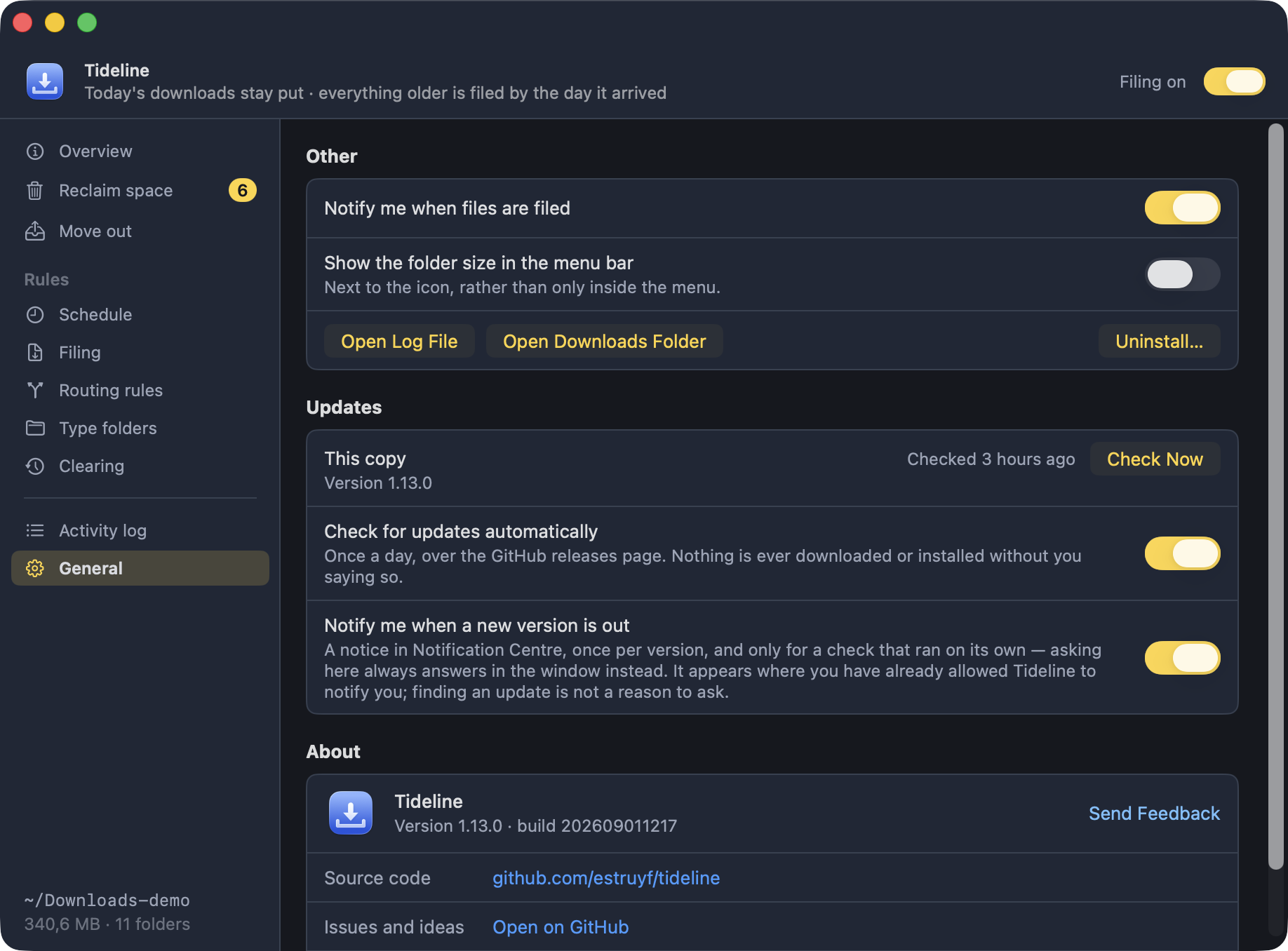
A notification when files are filed, whether the folder's size sits next to the menu bar icon, buttons for the log and the Downloads folder, and Uninstall…. Then Updates, and below that the version and build number — quote them in a bug report — plus links to the source, issues and the author.
The activity log
The last few hundred things Tideline moved, cleared or renamed, newest first, each with the folder it landed in.
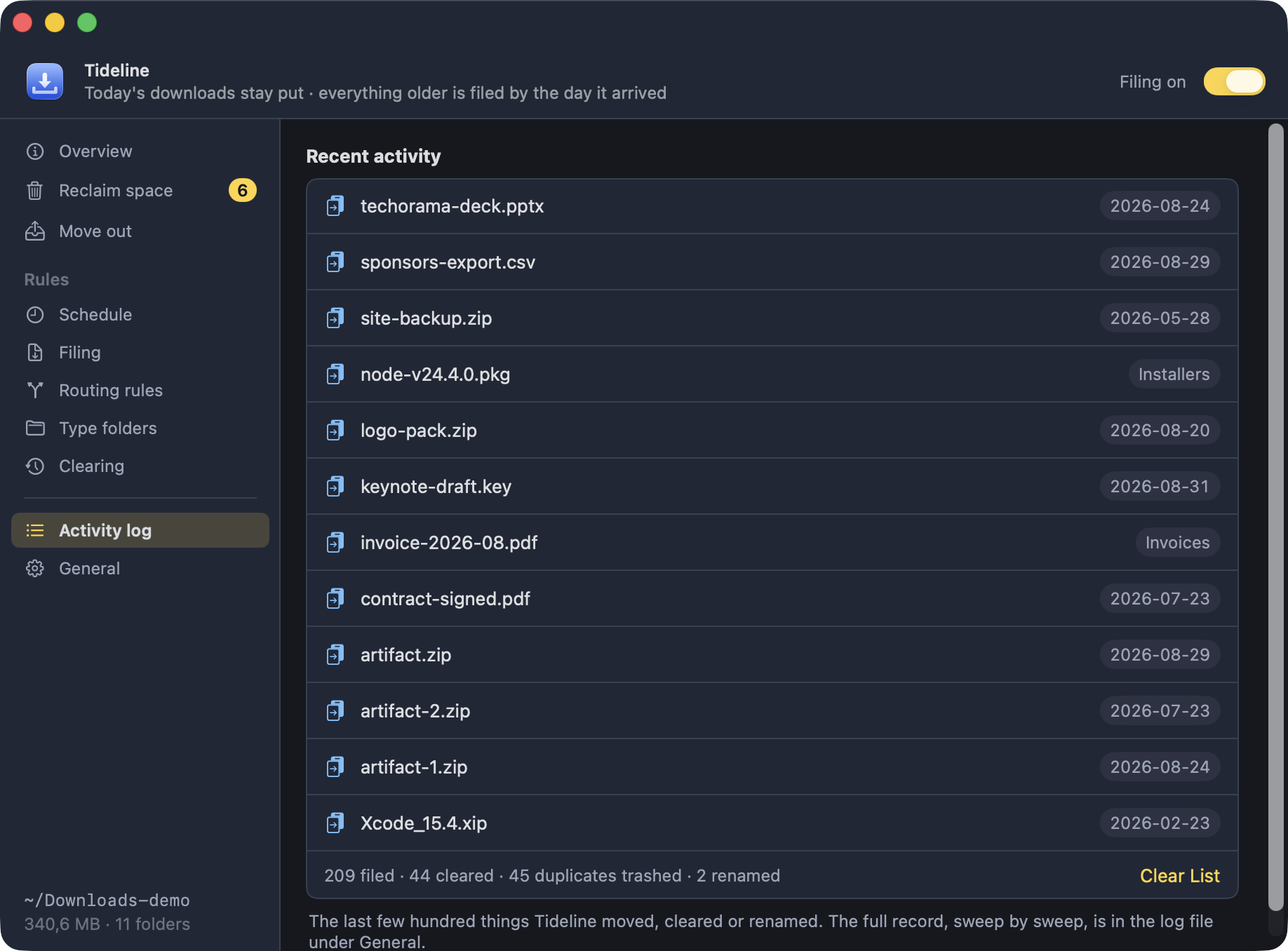
The full record, sweep by sweep, is the log file at
~/Library/Logs/Tideline.log — Open Log File
under General. That is the one to attach to a bug report;
preview mode writes to it as well, so you can
watch a sweep decide without letting it move anything.